
Upload the Theme #
To install the theme, please follow these steps:
- Log in to your WordPress admin panel and navigate to Appearance → Themes.
- Click the Add New Theme button, then click the Upload Theme button.
- Click Choose File, then select the theme ZIP file you downloaded.
- Click Install Now.


Setup Theme #
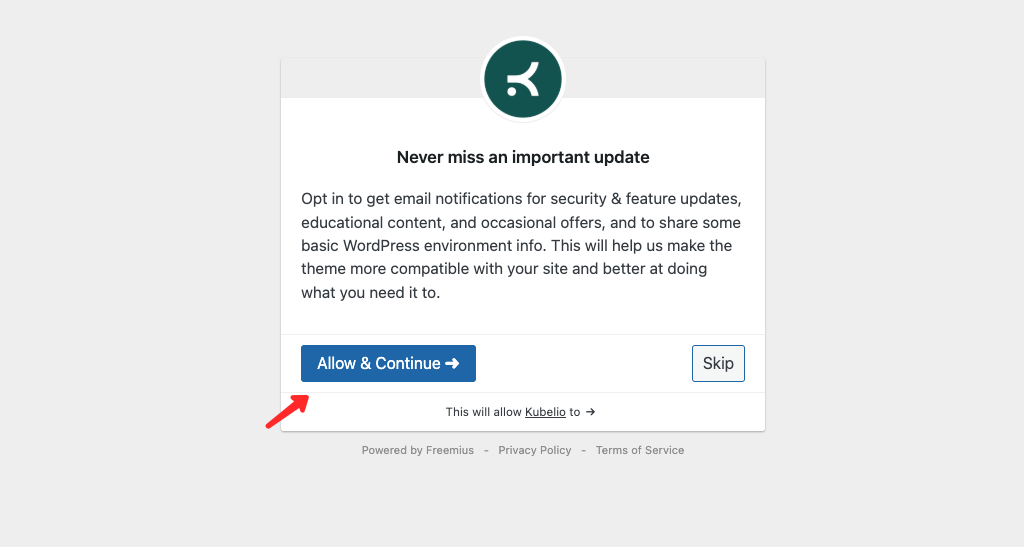
After the theme is activated, you can start the setup wizard. In this step, you will configure the theme by installing required plugins needed to import the demo. With this feature, your website will look like the demo website.
Get Started #
This is the initial page of the theme setup feature. Click the Start button to begin.

Install Plugins #
Install all required plugins by clicking the Install button.

Import Demo Content #
Click the Import button to import the demo content. Please wait until the import process is complete. Once finished, your website’s appearance and settings will match the demo site.

Finish #
The installation process is complete. Click Visit Website to view your website.
