Docs
  • Main Website
  • Support
  • Changelog
Docs
  • Main Website
  • Support
  • Changelog

Getting started

2
  • Homepage Editing
  • Install Theme

Customizer

9
  • Copyright
  • Social Share Buttons
  • Social Media Links
  • Header
  • Footer
  • Buttons
  • Typography
  • Global Colors
  • Logo & Site Identity

Block

2
  • Image Slider
  • Product

Troubleshooting

1
  • Fixing the Homepage Not Working
View Categories
  • Home
  • Docs
  • Getting started
  • Homepage Editing

Homepage Editing

The homepage uses the WordPress Block Editor, allowing you to build and customize your layout using default WordPress blocks. No additional page builder is required.

Available Custom Blocks #

We also provide several custom blocks that you can use, including:

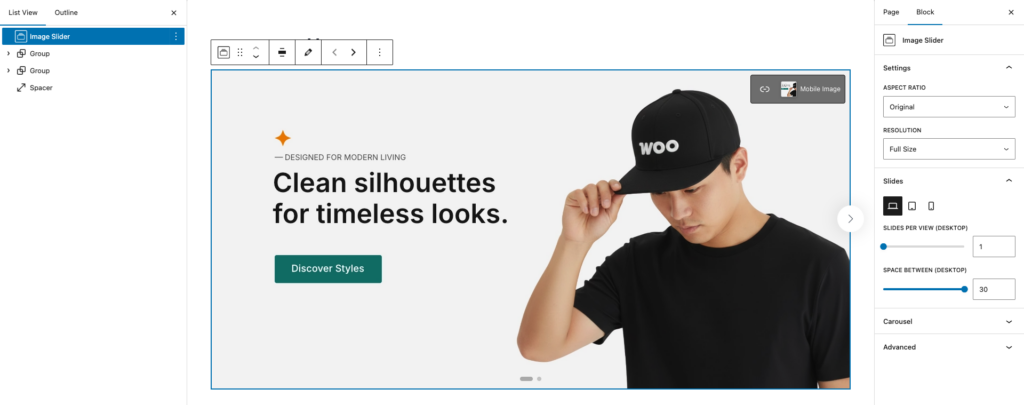
  • Image Slider – Displays images in a slider or carousel format.
  • Products – Displays products based on selected queries and layout options.

Editing the Homepage #

By default, when you import the demo content, you will receive a ready-to-use homepage and pages.

To edit the homepage:

  • Go to the Homepage.
  • Click Edit to open it in the Block Editor.

What are your Feelings

  • Happy
  • Normal
  • Sad
Install Theme
Table of Contents
  • Available Custom Blocks
  • Editing the Homepage
@Copyright Kubelio. All Rights Reserved